WHMCS ModuleModule installation
Setting up the domain registrar
Set up the Qboxmail domain registrar in WHMCS so domains can be activated and managed from the module.
3.1
From the selection menu at the top right, click the setup button  and select
System Setting > Active your first domain registrar
from the drop-down menu on the right (if you have already set up a Domain Registrar, go to step 3.3).
3.2
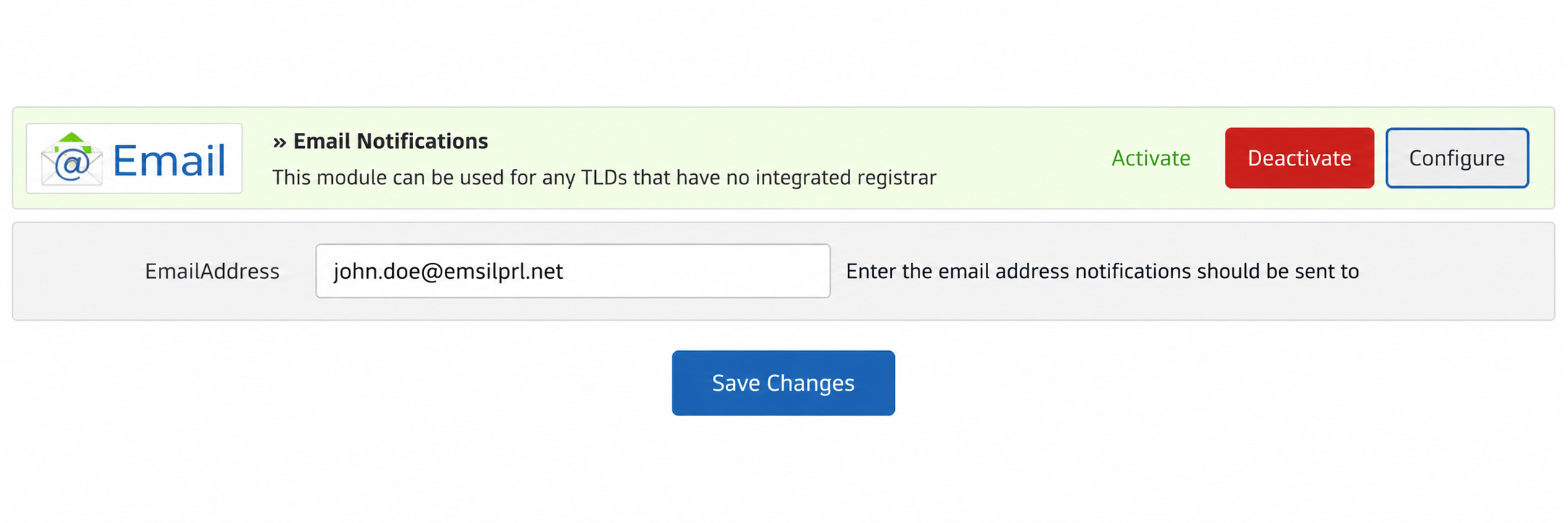
Choose the “Email Notification” module, configure it with the email address where you want to receive WHMCS notifications, then click "Save Changes" to save.
3.3
If not already set up, enter an accepted payment method using the “Activate Your First Payment Gateway” option (if you have already set up a Payment Gateway, go to step 4.1).